


Want to add your name, change your password, switch to a new login email address, or stop some of the emails you get? All of that lives on your account page. Locked out because you forgot your password? Skip to reset a forgotten password.
Add or change your name
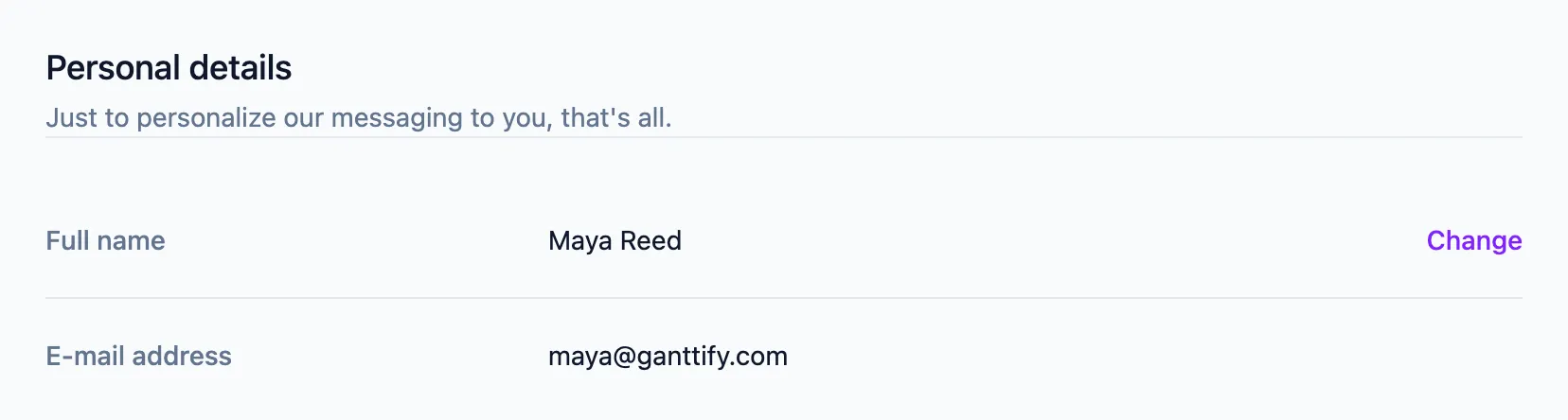
You don’t need a name to create Gantt charts, but we like to address you personally whenever you get in touch. Head to the Profile tab, click Change next to Full name, and enter your name.
Change your login email address
Your login email address is shown under E-mail address on the Profile tab, but you can’t edit it there. Send the old and the new address to support@ganttify.com from the address you use now, and we’ll switch it for you. From then on, we’ll contact you at the new address.
Change your password
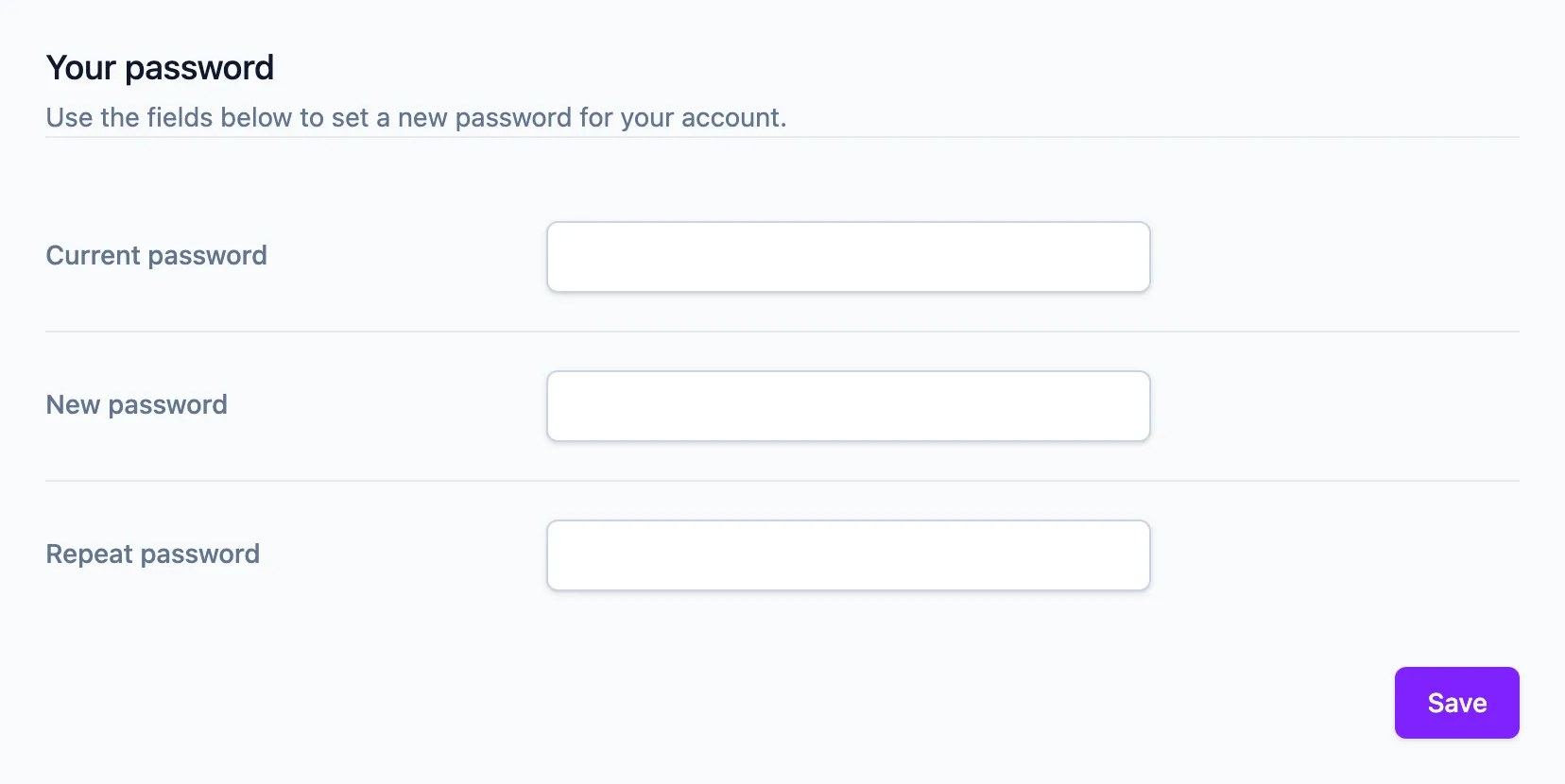
It’s a good habit to change your password every now and then. Head to the Security tab, enter your current password, then your new password twice, and click Save.
Reset a forgotten password
Can’t log in? On the login page, click Forgot your password?, enter the email address you sign in with, and click Request Password Reset. You get an email with a link: open it, choose a new password, repeat it, and you’re back in.
No reset email after a few minutes? Check your spam folder, and make sure you asked for the reset with the address on your account, not a work alias. Still nothing? Write to support@ganttify.com from the address on your account and we’ll sort it out with you.
Unsubscribe from product updates and tips
Under Notifications on the Profile tab, you choose what lands in your inbox beyond the emails about your account itself. Switch off Ganttify product updates if you don’t want to hear about new features, and Tips & Tricks to help me get started once you know your way around. Emails about your subscription, your team and your charts aren’t optional: they tell you about things that need your attention.
Getting reminders to finish setting up an account you never meant to create? Each reminder has a link that stops them, and you don’t need to log in to use it.
No longer using Ganttify at all? See how to cancel your subscription or remove your Ganttify account.